
Contra Costa VINELink Coverage
Two government pages tie Contra Costa County to VINE. The Sheriff's VINE victim-notification page sends visitors straight to the service, and the City of Hercules official resources page names VINE as the source for Contra Costa County Sheriff jail release and custody information. That Hercules page also lists a toll-free number, (877) 411-5588. The county uses no separate SAVIN brand.
VINE stands for Victim Information and Notification Everyday. VINELink is its public web portal. After you locate a person, the site can register you for notices about custody changes. The tool tracks one named individual, so it is not built for browsing a jail roster or photo gallery. It shows no final court result. It guarantees no booking photograph. The VINELink California landing page opens the state-level search and alert tools.
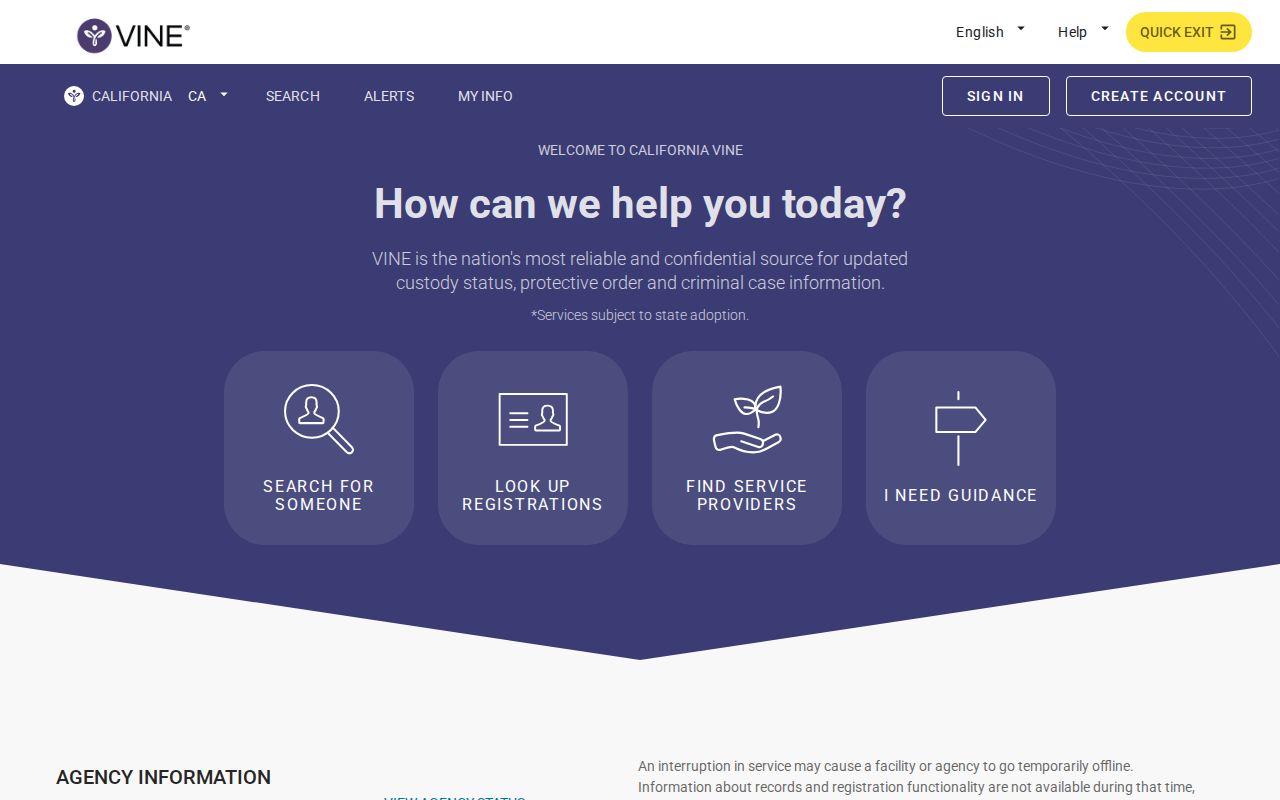
The entry screen stays generic. No names appear there. It simply opens the VINELink service. Visitors start a search from this page.
Search Contra Costa VINELink
Start with the full legal name in the California person search. Answer only what the live form asks. The interface may accept a booking number or record identifier. If you know one, add it. Shared names are common in a county this size. Check the facility and status details before trusting a match.
- Open the VINELink California person search.
- Confirm California is selected and choose the person-search option.
- Enter the full name or offered record identifier as accurately as possible.
- Review possible matches and compare the listed custody agency, facility, and status.
- If nothing appears, check spelling and then search the Sheriff locator.
The California VINELink search screen shows where a focused person query begins.

This tool is a custody lookup, not an arrest roll or photo gallery. It answers one narrow question. Always weigh a result against the official county source. The Contra Costa County recent arrests hub breaks down how a booking record differs from custody status and later court data.
VINELink Inmate Check Fields
Field layouts vary by agency and record. The site publishes no fixed Contra Costa field list. Treat what you see as status data supplied through VINE. Confirm anything critical with the jail.
| Possible item | Proper use |
|---|---|
| Name | Starting identity field; never enough by itself to prove a match. |
| Custody status | Indicates the status supplied to VINE, subject to update lag. |
| Agency or facility | Helps distinguish Contra Costa Sheriff custody from another system. |
| Record identifier | May help confirm a match or make a focused records inquiry. |
| Notification option | Allows registration when the selected record supports alerts. |
| Photo | Not a promised VINE field and not the purpose of the service. |
| Court disposition | Not supplied as a reliable final case result; use the Superior Court. |
Custody status shifts for many reasons. A person can be released, transferred, moved by court order, or placed in another system. Release never means the charges were dropped. For questions about charges or outcomes, use Contra Costa Superior Court criminal records.
Register Contra Costa Custody Alerts
First pick the correct person. Then registration opens. Depending on the record, the site may offer phone, email, text, or TTY notices. Expect a four-digit PIN or another confirmation step so you can manage or stop the alerts.
- Open the verified match and choose the notification or registration control.
- Select one of the methods the current screen offers.
- Enter the phone number or email address privately.
- Create the requested four-digit PIN or complete the displayed confirmation.
- Save the PIN and verify that registration was accepted.
- Return to the live record or call VINE when an alert needs to be changed or canceled.
Never share an alert address, phone number, or PIN in a public comment or arrest story. Those are private account controls. When a notice arrives, write down its time. Verify with the custody agency before any safety-sensitive decision.
Verify Contra Costa Custody Changes
Contra Costa County's VINE refresh interval is not published. The Sheriff's own locator may update first. A brand-new booking can also lag in VINE. A notice may not go out right away. For current Sheriff custody, weigh the VINE result against the Individual in Custody Locator.
The Sheriff locator page gives a separate route. The county runs this custody search itself.
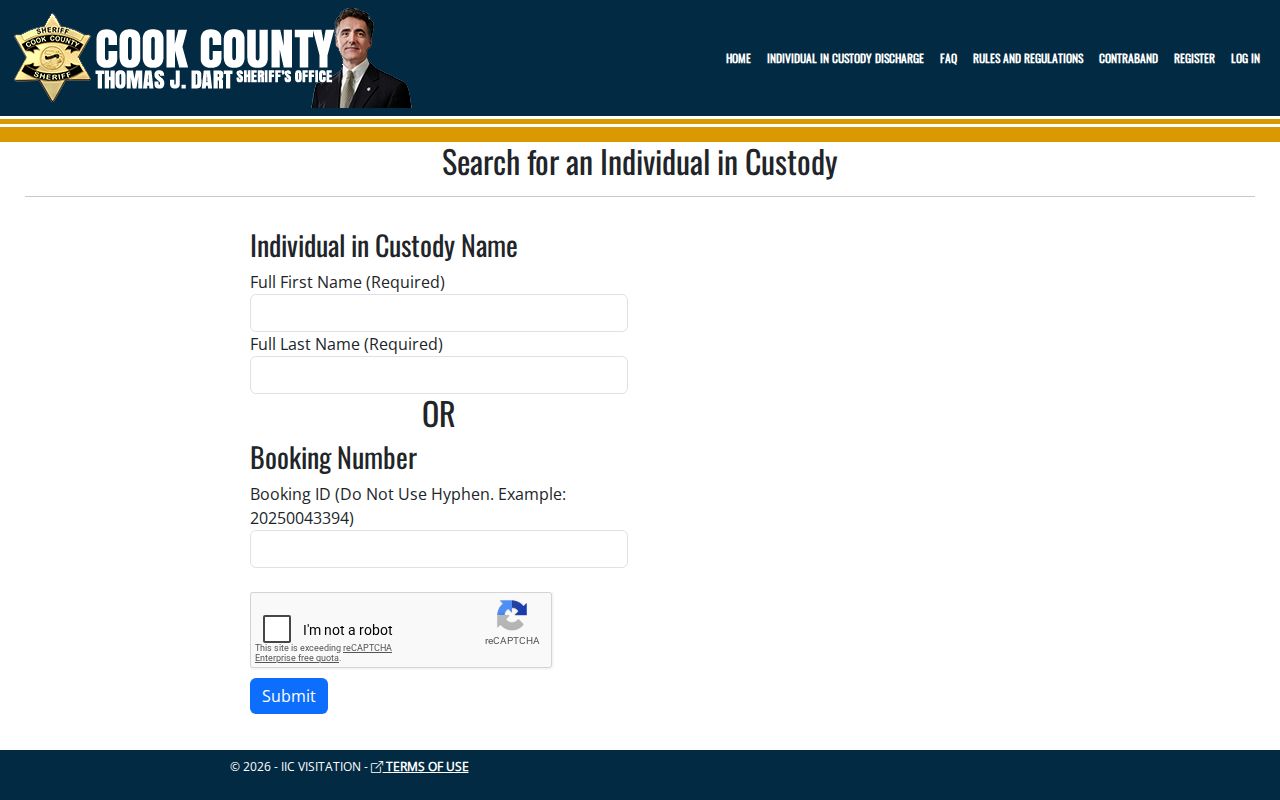
Timing matters after an arrest. A release can happen fast. Transfers happen fast too. Check the county form alongside VINELink for both.
The Sheriff's main office answers at (925) 655-0000. Published inmate-information numbers include (925) 646-4493. A custody FAQ separately lists (925) 646-4496. Note which number you called and when, and if booking is still processing, the Daily Arrest Report offers the same-day fallback.
VINE Stops At System Boundaries
VINELink does not reach every custody system. Federal cases sit elsewhere. The Bureau of Prisons runs its own locator. ICE keeps a separate detainee lookup. A county arrest can also end in release, another county's hold, or a quiet transfer. VINE may not reflect it. So a missing county result says nothing about immigration status or federal custody.
Once a person enters state prison, the CDCR Inmate Locator becomes the right public search. CDCR victim services covers state-level notification. CDCR will not carry a fresh Contra Costa County booking. The BOP and ICE tools are just as separate from the Sheriff roster.
- Booking
- The jail intake process that creates the custody record.
- Transfer
- A move from one facility or custody system to another.
- Release
- Departure from custody; it does not prove dismissal or acquittal.
- Disposition
- The later court result in a case, which VINE does not decide.
Note: Use the service that holds the person now, not the system that may have held the person first.
Alerts Do Not Prove Guilt
Custody is what a VINE record tracks. It shows where a person is held in jail. Charges listed after an arrest can still change later. Courts may reduce them, dismiss them, or resolve them in another way.
Alerts do have real value. They help with safety planning, court participation, or finding someone after a move. But an alert is not a protective order. Call law enforcement in an emergency. VINE also cannot promise exactly when a person will arrive somewhere or confirm what another agency has done.
An uncertain match deserves a second look. Use the booking number when you have it. Compare the facility details too. The custody office can settle a question. A wrong-name match can point you to the wrong person entirely, misstating both an arrest record and a current location.
Registrations need upkeep over time. Phone numbers change, email filters swallow notices, and PINs get lost. Check your registration inside the live VINELink record instead of stacking duplicate alerts on top of the first one. A move from county custody to CDCR adds another wrinkle, since county registration may not carry into the state system in the same form.
Keep custody alerts and court dates in separate mental folders. Release from jail does not cancel a hearing. A transfer says nothing about the legal result. For scheduling, the court clerk and Public Portal are the right sources, subject to online access limits. When minutes, orders, or case documents are missing online, the court's records-request route is the next step.
For routine checks, jot down the source, date, and time. That small note explains why VINELink and the Sheriff locator once showed different states during a custody change. It also keeps an old alert from being mistaken for current news.
Public Record Search
Sponsored Results